Alfa2Go
GET - In Google Play
GET - In Google Play
Enroll in paperless billing to receive an email when your insurance bill is ready for payment, instead of receiving paper bills by mail. Each eligible policy must be enrolled separately.
 | Log in to your MyAlfa accountThe login icon is located in the top right-hand corner of most pages across our website. |

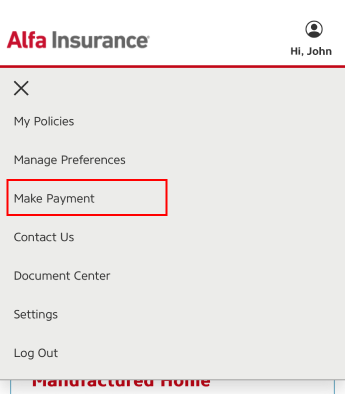
 | Select “Make Payment”Select “Make Payment” from the account menu. You will be redirected to our payment site where you can manage your billing preferences. |
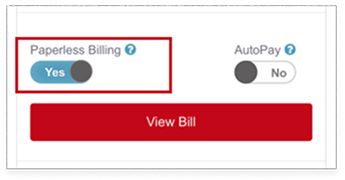
 | Toggle the paperless billing switch to “Yes”If your policy is eligible for paperless billing, there will be a toggle switch. Switch the toggle to “Yes” to opt-in to paperless billing for each desired policy. |
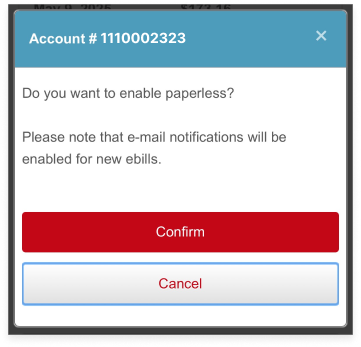
 | Confirm your paperless billing enrollmentAfter toggling “Yes” to paperless billing, a confirmation screen will appear. Click “Confirm” to complete your paperless billing enrollment for the selected policy. |