Alfa2Go
GET - In Google Play
GET - In Google Play
 | Log inThe login icon is located in the top right-hand corner of most pages across our website. |


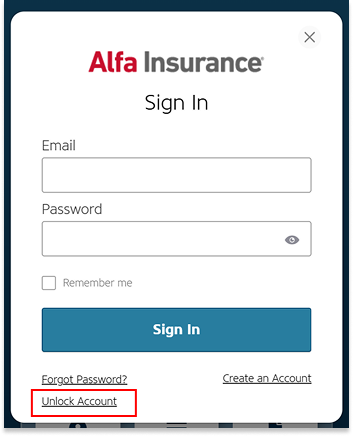
 | Select “Unlock Account”Select “Unlock Account” at the bottom of the login pop-up. |

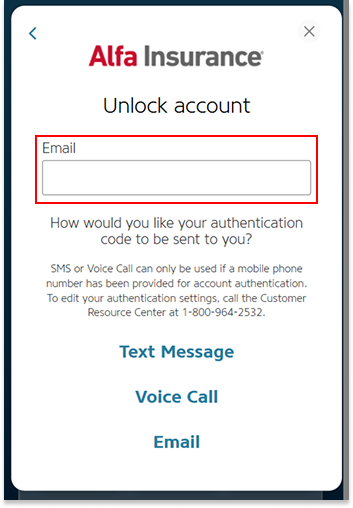
 | Enter your emailEnter the email address associated with your MyAlfa account. |
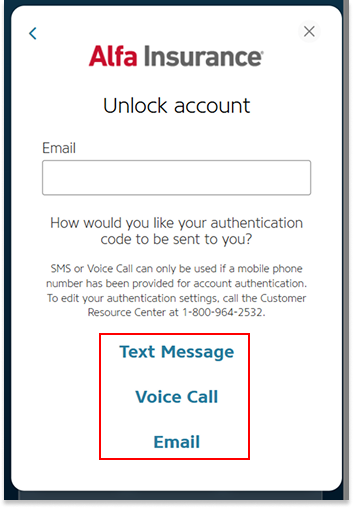
 | Select an authentication methodSelect an authentication method to verify your identity: text message, voice call, or email. |
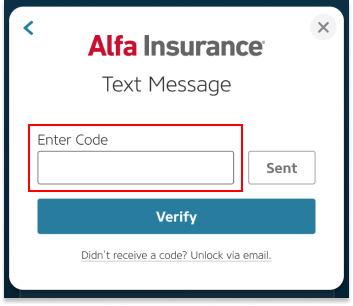
 | Verify your identityIf you selected text message or voice call, enter the code you receive, then select “Verify.” If you selected email, follow the instructions in the email to verify your identity. |
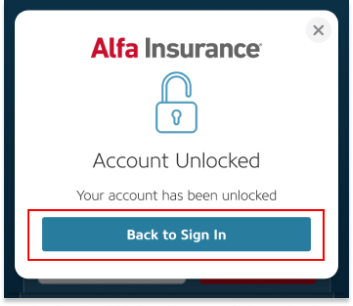
 | Account UnlockedOnce you have successfully unlocked your account you will be prompted to return to Sign In and enter your credentials before accessing your MyAlfa Account. |